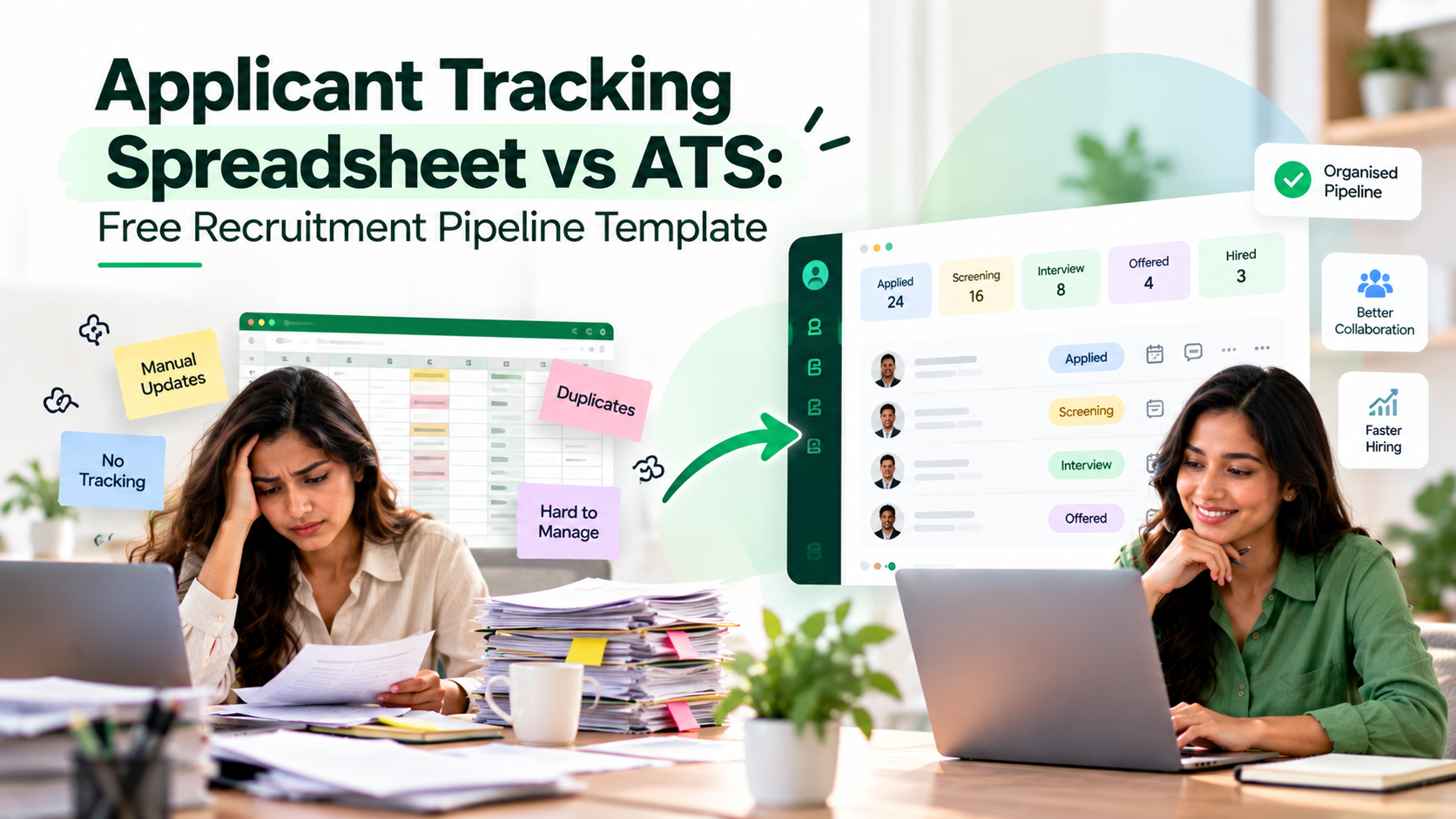
A candidate applies on Monday. By Thursday, two people have reviewed the CV, but nobody knows who should arrange the interview. The application sits in an inbox and the candidate is waiting.
An applicant tracking spreadsheet is an employer-side Excel or Google Sheets file used to record applications, hiring stages, owners and next actions. An applicant tracking system (ATS) is dedicated recruitment software that helps teams manage this work as a coordinated process. A spreadsheet suits straightforward hiring; an ATS helps when coordination becomes difficult.
This guide includes a free recruitment pipeline template and a practical framework for deciding when to keep the spreadsheet and when to consider an ATS.
Download the Free Applicant Tracking Spreadsheet
Free Excel recruitment pipeline template: download the accompanying workbook. It is an independent educational resource, not a TrueValue Recruit export.
The workbook includes a blank 500-application pipeline, a vacancy list, a stage guide, a dashboard and a clearly labelled fictional example. Stage, source and priority fields have dropdowns. Overdue follow-ups and days in stage are calculated from an editable reporting date.
The pipeline starts blank, so the dashboard shows zero. Open the START HERE tab first and follow the instructions before entering information.
Use the template to answer three questions: Where is each application? Who owns the next action? When should it happen?
What Should an Applicant Tracking Spreadsheet Include?
Keep one row for each application to a specific vacancy, not automatically one row per person. Someone applying to both a marketing and a sales role may need two application records, linked by the same candidate reference.
A useful employer-side tracker includes the following fields:
Field | Why it matters |
|---|---|
Application ID and Vacancy ID | Connect each application to the correct role |
Candidate reference | Distinguish applicants without exposing unnecessary details |
Application date and source | Show when and where the application arrived |
Current stage and stage-entered date | Identify progress and time spent waiting |
Assigned owner | Clarify who must act next |
Last contact and next action due | Reduce forgotten updates |
Next action and priority | Make the follow-up specific |
Outcome and brief job-related notes | Preserve a clear decision history |
Avoid keeping sensitive information in an ordinary shared spreadsheet. Protect candidate data with appropriate access controls.
Build a Recruitment Pipeline With Consistent Stages
A tracker only works if every recruiter interprets stage names the same way. Otherwise, "shortlisted" may mean approved by one person and merely reviewed by another.
The free workbook uses nine editable stage choices:
Stage | Meaning |
|---|---|
Applied | Application received |
Screening | Initial role-related review |
Shortlisted | Selected for further consideration |
Interview | Interview process underway |
Assessment | Job-related evaluation in progress |
Offer | Offer decision or candidate response pending |
Hired | Successful application completed |
Rejected | Application will not progress |
Withdrawn | Candidate left the process |
Agree on rules for each stage. Interview should mean the interview process is underway.
Keep the outcome factual. A candidate who withdraws should not be counted as employer-rejected. A candidate who accepts a role should not remain indefinitely marked as Offer.
How to Use the Recruitment Tracker in Five Steps
Step 1: Register the vacancy. Create a unique vacancy ID, job title, hiring owner and status on the Vacancies sheet. A stable ID helps keep multiple open roles separate.
Step 2: Add each application. Enter an application ID, the vacancy ID, candidate reference, source and application date.
Step 3: Assign the stage and owner. Select a stage and record when the application entered it. Make one person accountable for the next update, even when several interviewers participate.
Step 4: Set the next action. Instead of writing "follow up", specify "confirm panel availability" or "share interview decision" and enter a due date. Review the overdue and due-today flags.
Step 5: Review the dashboard weekly. Update the as-of date, examine active applications and overdue work, and check whether hiring managers are waiting on decisions. Correct incomplete records before reporting the numbers to leadership.
Microsoft's Excel guidance explains how dropdown validation can help standardise data entry.
Applicant Tracking Spreadsheet vs ATS: What Actually Changes?
An ATS may provide structured workflows, interview collaboration and reporting; features differ by vendor.
Decision factor | Spreadsheet | ATS |
|---|---|---|
Initial setup | Quick for a simple process | Needs configuration and team adoption |
Applicant updates | Usually entered manually | Can support structured shared workflows |
Multiple recruiters | Requires editing discipline | Often provides managed permissions and collaboration |
Follow-up ownership | Columns and manual reminders | May provide workflow ownership and notifications |
Reporting | Formulas and manual checks | May include funnel and stage reporting |
Cost and upkeep | Familiar, but staff time adds up | Software cost plus onboarding and administration |
Greenhouse's 2026 explanation of an ATS highlights structured feedback, collaboration, reporting and governance as meaningful evaluation areas.
A spreadsheet remains useful when updates are consistent and decisions are easy to locate.
Five Signs Your Team May Have Outgrown Excel
Nobody agrees which file is current. Teams circulate versions by email or store copies in different folders. The resulting uncertainty can cause duplicated work or missed decisions.
Applications are repeatedly copied between systems. People transfer CV details from forms or inboxes into sheets, then repeat them in calendars and messages.
Interviews need too much coordination. Several interviewers require consistent feedback, approvals and a clear next step. Notes in private messages are difficult to review together.
Follow-ups are routinely overdue. Owners and dates exist, but there is no dependable review process. Candidates wait without knowing whether their applications remain active.
Reporting requires rebuilding the numbers. Leadership asks which stages are slow, which vacancies are moving, or why candidates withdraw. Staff must manually reconcile different versions before answering.
There is no universal candidate-count threshold at which Excel suddenly stops working. A team with twenty active applications and many handoffs may need more structure than a team reviewing a larger but simpler batch.
How to Measure Your Hiring Pipeline Without Misleading Numbers
Begin with active applications, not simply total rows. Then review how many applications occupy each stage, how many next actions are overdue and how long applications have remained in their current stage.
For stage conversion, define the cohort and calculation carefully. The number hired today divided by the number currently in Screening is not a reliable conversion rate: those applications may belong to different recruitment periods.
Instead, follow a defined group of applications over time and record the proportion that progress from one stage to another.
The downloadable workbook provides a current pipeline overview; it is not a full historical funnel analytics system. For detailed stage conversion or time-to-hire reporting, retain stage-change history and agreed event dates in an appropriate process.
Protect Applicant Data and Keep Hiring Decisions Human
Recruitment files contain information about real people. Limit access to authorised staff, collect only details needed for the role, and define when records will be reviewed or removed. Apply the privacy and employment rules relevant to your organisation.
The UK's Information Commissioner's Office employment guidance provides useful privacy principles and resources, but it should not be treated as a substitute for local legal advice.
A spreadsheet flag or an ATS score must not become an unquestioned hiring decision. People should apply consistent job-related criteria, investigate missing information and remain responsible for outcomes.
Where TrueValue Recruit Fits
TrueValue Platform Recruit is a business recruitment Product covering jobs, applicants, candidates, hiring pipelines, interviews, offers and hire handoff. Businesses evaluating their existing spreadsheet process can use the free template to identify their requirements before discussing recruitment software.
The downloadable tracker is a separate educational resource; its dropdowns, calculations and dashboard should not be interpreted as claims about built-in TrueValue Recruit features or automatic integrations.
To see how Recruit fits your team's hiring process, Request a Demo. You can also read TrueValue's guide on why good candidates disappear between interview and offer.
Frequently Asked Questions
Is an applicant tracking spreadsheet the same as an ATS?
No. A spreadsheet is a flexible file that people maintain. An ATS is recruitment software built around application and hiring workflows. Either can be appropriate, depending on team size, complexity and governance needs.
Can Excel handle recruitment for multiple roles?
Yes, if every application has a unique ID, links to a vacancy and has a clear owner. The tracker should allow the same person to apply for different roles without combining their outcomes.
What should I track after an interview?
Record the current stage, assigned decision owner, relevant job-related feedback, last contact and a dated next action. Avoid keeping unnecessary sensitive details.
When should a business move from spreadsheets to an ATS?
Consider switching when duplicate data entry, collaboration problems, missing follow-ups or unreliable reporting consume substantial time. Evaluate real workflows, not arbitrary candidate-volume thresholds.
Final Takeaway
A recruitment spreadsheet is useful when it keeps the team aligned. An ATS becomes worth evaluating when maintaining the spreadsheet begins to distract the team from hiring.
Start with the free tracker, agree on consistent stages and next-action ownership, and review the process before choosing additional software.
See AI and the rest of the Platform in action.
Start with the Product you need today, then add more on the same Platform.
Request a Demo