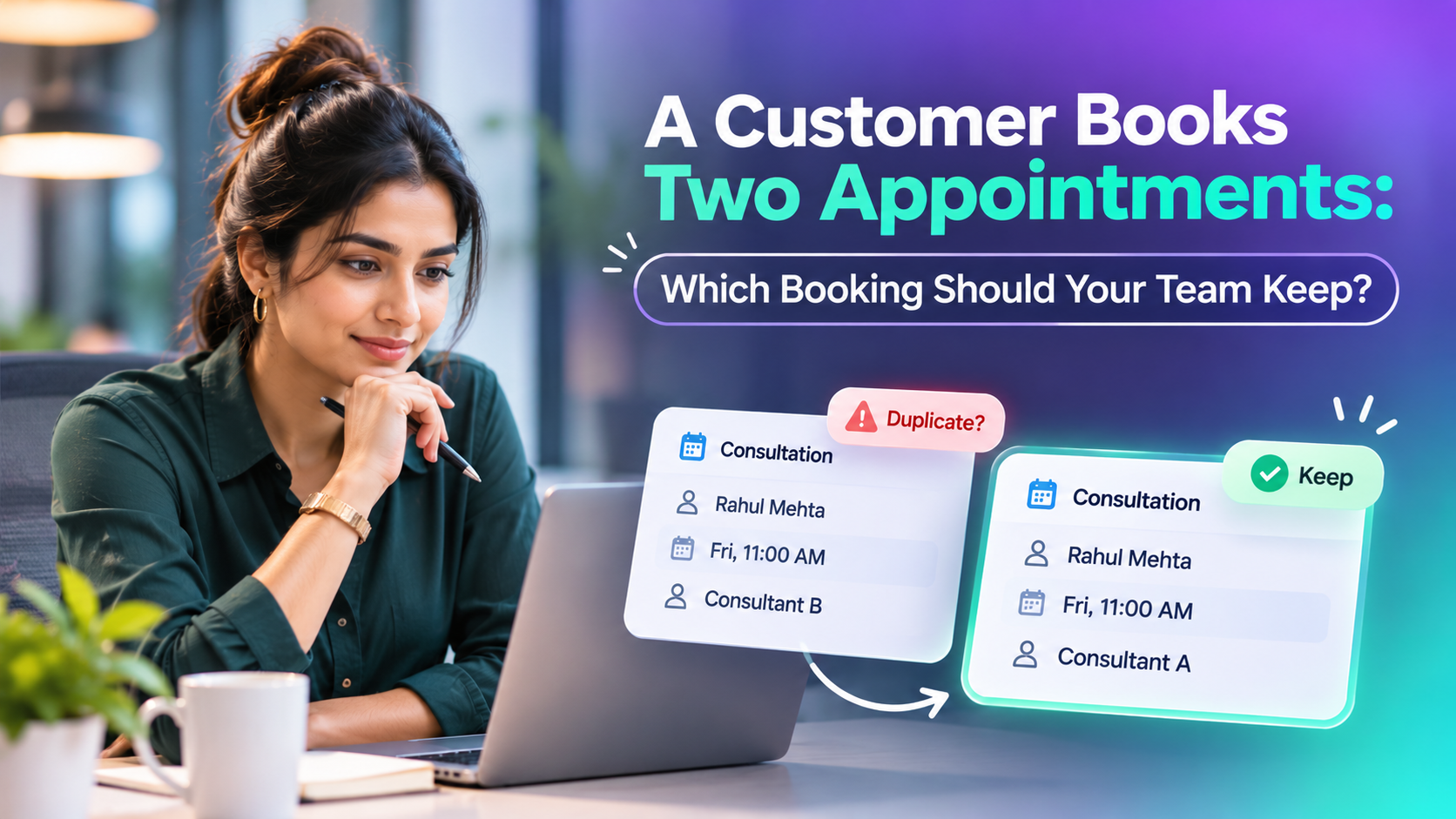
A customer books an appointment online. A few minutes later, they call your office and another employee creates a second booking.
Now your team sees two appointments for the same customer.
Should you cancel the first booking, keep the latest one or contact the customer?
When a customer books two appointments, businesses should compare both bookings, confirm the customer's intention and keep the appointment that accurately reflects their requirements. Never automatically delete an appointment simply because another booking exists.
A structured appointment management process helps prevent unnecessary cancellations, scheduling conflicts and customer confusion.
Why Do Customers Book Multiple Appointments?
Duplicate appointments can happen even when customers have no intention of booking twice.
Common causes include:
Multiple booking channels: A customer books through the website and later contacts reception.
Missing confirmation: The customer does not receive a confirmation and tries again.
Rescheduling confusion: A new appointment is created without cancelling the previous one.
Different employees: Two team members schedule the same customer independently.
Different services: The customer intentionally books separate consultations.
Technical interruptions: A delayed response or repeated submission creates uncertainty about whether the first booking succeeded.
The important distinction is whether the bookings represent the same service request or two separate customer needs.
Are Two Appointments Always Duplicates?
No. Two appointments for the same customer do not automatically mean one is incorrect.
For example, a customer might schedule an initial consultation and a separate document review.
Both could be valid.
However, two appointments for the same consultation at different times might indicate that the customer attempted to reschedule.
A useful comparison includes:
Booking Detail | What Your Team Should Check |
|---|---|
Customer | Do both bookings belong to the same person? |
Service | Are they for the same purpose? |
Date and time | Do they overlap or represent different visits? |
Assigned employee | Are different staff members involved? |
Booking status | Are both confirmed, or is one pending? |
Creation history | Was the second booking an attempted reschedule? |
Customer preference | Which appointment does the customer want? |
Matching customer information should trigger a review, not an automatic cancellation.
Which Appointment Should Your Team Keep?
The correct booking depends on the situation.
Scenario 1: Same Customer, Same Service, Same Time
Suppose Rahul books a consultation for Friday at 11:00 AM through your website.
A receptionist separately creates another Friday 11:00 AM appointment for the same consultation.
If both represent the same visit, your team should normally retain one valid appointment and resolve the duplicate.
Before cancelling anything, verify whether either booking contains important notes, payment information or confirmations.
Scenario 2: Same Customer, Different Times
Rahul books an appointment for Monday at 10:00 AM and another for Wednesday at 2:00 PM.
The second booking might be an attempt to reschedule.
However, it could also be an additional consultation.
Contact Rahul and ask which appointment he intends to attend.
Keep the correct booking and cancel or reschedule the other using the system's supported workflow.
Scenario 3: Same Customer, Different Services
Rahul books an initial consultation on Monday and a document review on Thursday.
These are separate services.
Both appointments may be valid and should not be merged automatically.
Scenario 4: Same Customer, Different Employees
Two employees have appointments with Rahul about the same enquiry.
Your team should review the assigned responsibilities.
If both employees are expected to attend different stages of the process, the appointments may be legitimate.
If the bookings were created accidentally, clarify who should handle the customer.
Illustrative Example: Two Counsellors Book the Same Customer
Consider a fictional visa consultancy managing appointments through online booking and reception.
Rahul books a consultation with Preeti through the company website.
Later, he calls reception because he has not received a confirmation.
The receptionist creates another appointment with Dipali.
The appointment list now shows:
Detail | Booking A | Booking B |
|---|---|---|
Customer | Rahul | Rahul |
Service | Visa consultation | Visa consultation |
Date | Friday | Friday |
Time | 11:00 AM | 11:00 AM |
Assigned to | Preeti | Dipali |
Status | Confirmed | Confirmed |
Both bookings appear valid, but they involve the same customer, service and time.
The receptionist checks the original booking and contacts Rahul.
Rahul confirms that he only wants one consultation and had called because the confirmation message was missing.
The team verifies Preeti's availability and retains the original appointment.
The duplicate appointment with Dipali is cancelled, and Rahul receives one clear confirmation.
Any relevant notes are preserved.
The result: One customer, one intended consultation and one accurate appointment record.
This example illustrates a recommended process rather than automatic behaviour guaranteed by every scheduling system.
The original appointment was retained because it matched Rahul's confirmed requirement and the assigned employee was available—not simply because it was created first. When bookings involve payments, different services or other customer commitments, those details should also be reviewed before cancellation.
How to Handle Duplicate Appointments Step by Step
A consistent process makes booking decisions easier.
Step 1: Identify Potential Duplicates
Search for appointments using relevant customer identifiers.
Review matching names, phone numbers or email addresses, while accounting for shared contact details and possible data-entry errors.
Step 2: Compare Both Appointments
Check the service, date, time, location, assigned employee and booking status.
Step 3: Review Customer History
Look for recent calls, rescheduling requests and booking confirmations.
These may explain why the second appointment exists.
Step 4: Confirm the Customer's Intention
When the records do not provide a clear answer, contact the customer.
Ask which appointment they want to keep.
Step 5: Resolve the Extra Booking
Cancel, reschedule or retain the appointments according to the customer's confirmed requirements.
Avoid deleting historical records where cancellation and audit-history functions are available.
Before cancelling a booking, check whether it contains a deposit, payment, important notes or other customer commitments. Follow the applicable cancellation and refund conditions, preserve the relevant booking history and ensure the customer understands the final arrangement.
Step 6: Update Notifications
Make sure the customer receives the correct appointment information.
Check that reminders for cancelled bookings will not continue.
After updating the booking, verify that the final appointment details are correct and that outdated reminders will not continue where the system allows them to be cancelled. For significant changes, request customer acknowledgement when appropriate.
Step 7: Verify Staff Calendars
Confirm that the correct employee has the active booking and that any released time is reflected accurately.
How Can Businesses Prevent Duplicate Appointments?
Resolving duplicates is important, but preventing unnecessary bookings is even better.
Use a Central Appointment Calendar
A shared scheduling view helps employees identify existing appointments before creating new ones.
Provide Clear Booking Confirmations
Customers should know whether their appointment was successfully booked.
A useful confirmation includes the date, time, service, employee, location and booking status.
Offer Rescheduling Options
When customers need another time, they should have a clear way to change their existing appointment instead of booking again.
Check Existing Bookings Before Saving
Some appointment scheduling systems support warnings or checks for similar bookings. The availability and behaviour of these controls vary by Product and configuration.
However, warnings should allow legitimate repeat or multi-service appointments.
Keep Customer Information Connected
Connected customer records make it easier to understand whether appointments relate to the same enquiry or different services.
Review Notification Delivery
If customers regularly create second bookings because confirmations do not arrive, investigate the notification process.
Duplicate Appointments vs Double Booking
These terms are related but describe different problems.
Duplicate appointment: Two or more booking records may represent the same intended customer visit.
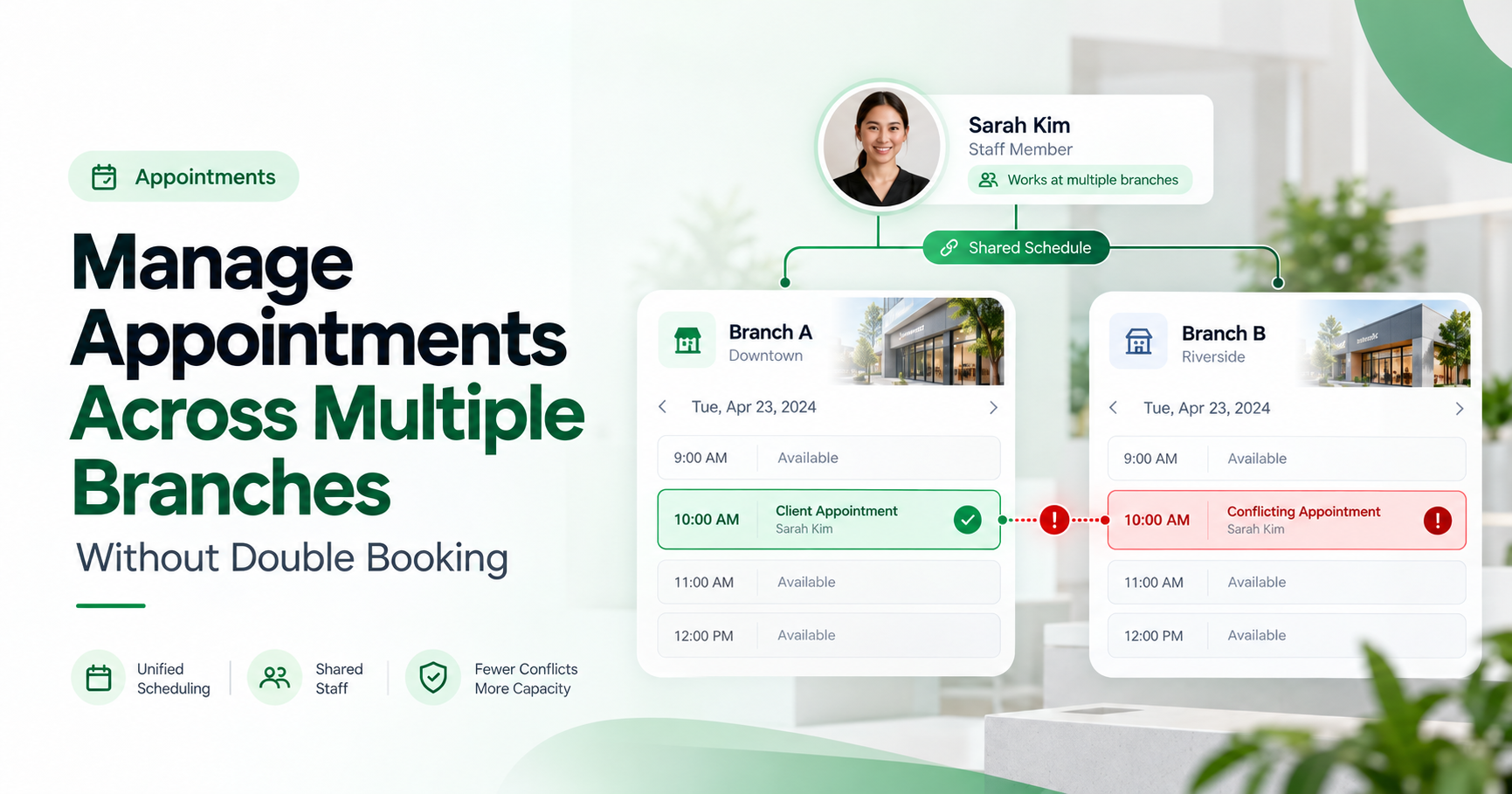
Double booking: A person, room or other limited resource is assigned to overlapping commitments that may not both be possible.
For example, Rahul having two consultation records may indicate duplication.
Preeti being assigned to two different customers at 11:00 AM may indicate a scheduling conflict.
One problem concerns the customer's intended appointments. The other concerns resource availability.
A business may experience both simultaneously, but each requires its own checks.
How Duplicate Appointments Affect Staff Productivity and Customer Opportunities
Duplicate appointments can create more than calendar confusion. They may increase administrative work, reserve staff time unnecessarily and make it harder for teams to manage genuine customer bookings.
For example, if two employees prepare for the same consultation, the business may spend time coordinating work that only needs to happen once.
An unnecessary booking can also reserve a time slot that another customer might otherwise use.
What Should Businesses Measure?
Metric | Why It Matters |
|---|---|
Potential duplicate bookings | Shows how often appointment records need review |
Confirmed duplicates | Separates genuine duplicate bookings from valid repeat visits |
Time spent resolving duplicates | Helps assess unnecessary administrative work |
Scheduling conflicts | Identifies competing staff or resource commitments |
Released booking capacity | Shows when unnecessary reservations have been cleared |
Attended consultations | Helps measure appointments that actually took place |
For consultation-based businesses, managers may also examine whether attended appointments lead to follow-ups, proposals or completed services.
However, removing a duplicate booking does not automatically generate additional revenue. A released time slot only creates a potential opportunity; any resulting booking or sale must be measured separately.
The objective is to reduce avoidable coordination work, protect available appointment capacity and maintain accurate customer bookings.
How TrueValue Appointments Fits Into Booking Management
When customers book through different channels, businesses need accurate appointment records, clear scheduling responsibilities and a consistent process for reviewing potential duplicates.
TrueValue Platform Appointments is a Product focused on managing business bookings, staff availability, scheduling and appointment workflows.
For organisations handling appointments across multiple employees, it is important to evaluate how bookings are recorded, how changes are managed and who is responsible for communicating the final schedule.
Before selecting appointment software, confirm the available duplicate-review, cancellation, notification and permission options for your business.
The recommendations in this article describe general appointment-management practices. They do not imply that TrueValue Appointments automatically identifies, merges or resolves every duplicate booking.
Frequently Asked Questions
Should businesses automatically cancel duplicate appointments?
Not always. First verify whether the appointments represent the same intended visit or different services.
Should the oldest or newest appointment be kept?
Neither rule is universally correct. The business should preserve the booking that matches the customer's confirmed intention.
Can a customer have multiple active appointments?
Yes. Multiple appointments may be appropriate when they involve different services, stages or required visits.
How can businesses reduce duplicate bookings?
Use shared calendars, clear confirmations, existing-booking checks and straightforward rescheduling options.
What happens when two employees book the same customer?
Review both bookings, verify the customer's requirements and ensure that only the intended appointments remain active.
Conclusion: Keep the Right Appointment, Not Simply the Latest One
When customers create multiple bookings, the correct response is to understand why those appointments exist.
Cancelling the wrong booking can create confusion, while retaining unnecessary bookings wastes staff time.
Businesses should compare the records, confirm customer preferences, preserve relevant history and communicate the final schedule clearly.
Better appointment management starts with accurate information and consistent decisions.
Explore TrueValue Appointments to learn more about booking management, staff availability and scheduling workflows.
See Appointment and the rest of the Platform in action.
Start with the Product you need today, then add more on the same Platform.
Explore Products